
Email-Friendly Embeds
Spotify, Instagram, Bluesky, LinkedIn, Bandcamp, SoundCloud, Datawrapper, Flourish and PDF links become cards that still work when the post goes out by email, plus three image layouts Ghost doesn't have. What each card does, shown as it lands in the inbox, and how to paste it.
Email clients don't run the scripts and players an embed depends on, so an embed pasted into a newsletter arrives as a blank space or a bare link. For each link the tool gives you two HTML cards: the real embed, shown only on your site, and an email card with the same content, shown wherever the embed can't load. Ghost shows the right one in each place. The image layouts are single cards that work everywhere.
Get it running
- Connect your Ghost site. If it isn't in the dashboard yet, Connect your Ghost site has the steps.
- Paste the one-time site rule. Some email cards also go to Ghost's social web, so they have to be visible on the web, and without help your site would show them beside the real embed. On the Email-Friendly Embeds page, copy the rule under One-time setup for this site, paste it into Ghost's Settings → Code injection → Site header, save, and press Check my site.
- Pick a card and paste a link. Each card has its own page under Email-Friendly Embeds. Paste the link or the embed code, press Get details, and adjust what the page offers.
- Copy, then paste into Ghost. Copy cards for Ghost puts the cards on the clipboard. Paste on an empty line in the Ghost editor, then check each card's visibility against the note under the Copy button. Pasting into Ghost has the details.
Social posts
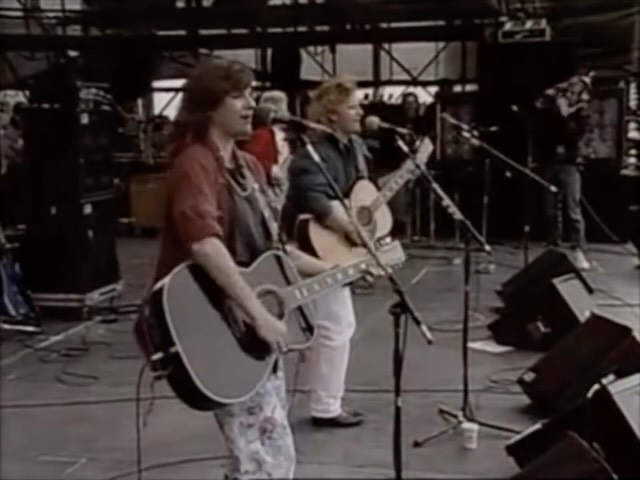
Paste a link to a post or reel, or Instagram's embed code. On your site: Instagram's embed. In email and on the social web: the photo with the account and caption, compact (photo beside the caption) or tall (Instagram's own stack). Trim the caption if you like. The photo is saved to your site when you copy, because Instagram's own image links expire within days.
Compact, in the inbox
 indigogirlsmusic
Tall
Bluesky
Paste a link to a post, or Bluesky's embed code. On your site: Bluesky's embed. In email and on the social web: the same post redrawn as the embed looks, with its photos, link card, video poster or quoted post. Nothing to edit; you can hide the like and repost counts, which are frozen when you copy.
In the inbox


 13
13 3
3
Paste a link to a post, or LinkedIn's embed code. On your site and the social web: LinkedIn's embed. In email: the post redrawn as the embed looks — the author, the text with its links, and its photos, link card, video poster or document — with the reaction and comment counts, frozen when you copy. Cut the text short ends a long post at a word boundary with "…see more". LinkedIn's embed doesn't resize itself, so the page sets its height from LinkedIn's embed code or its own estimate, whichever is taller, and you can adjust it while watching the preview.
In the inbox, cut short
| |||
Owwww, my head. Publishing on Ghost should mean that your content looks great in email, on web, on ActivityPub/social web, AND on Apple News, if you're using my Ghost->Apple News integration. This is super easy, as long as publisher stick to paragraphs and native images. Do publishers do that?…see more | |||

| |||
| 9 reactions · 2 comments | |||
| View on LinkedIn |


Charts
Datawrapper
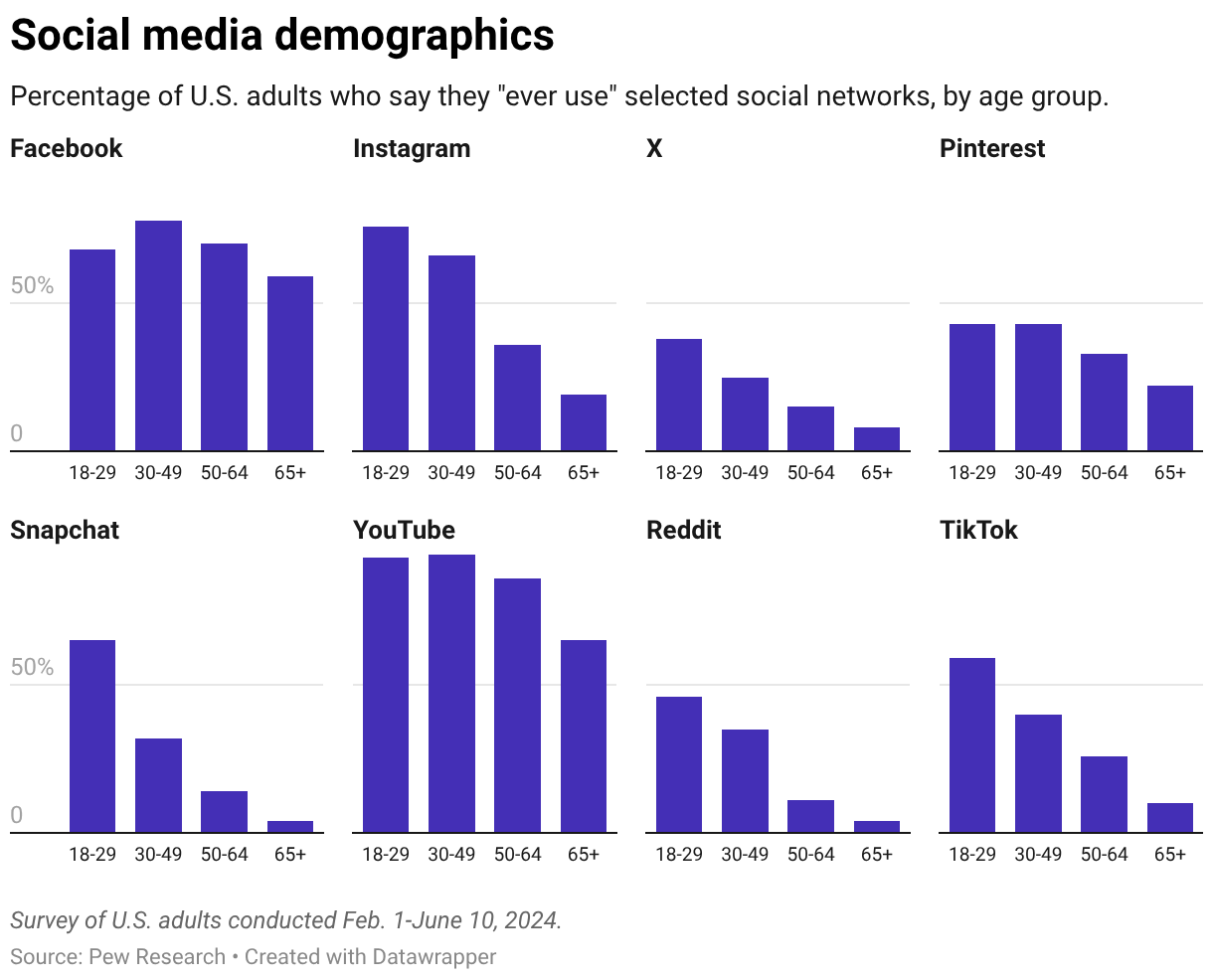
Paste a link to a chart, map or table, or any of its embed codes. On your site: the interactive chart, always at its latest published version, in your theme's normal or wide column. In email: Datawrapper's own picture of it, title, notes and source included, saved to your site when you copy so the email never changes under you. Republished the chart? Copy again before the next send.
In the inbox
Flourish
Paste a link to a visualization or story, or any of Flourish's embed codes. On your site: the interactive piece. In email and on the social web: Flourish's thumbnail of it, linked to the piece, saved to your site when you copy. A private or unpublished piece can't be looked up. Republished? Copy again.
In the inbox
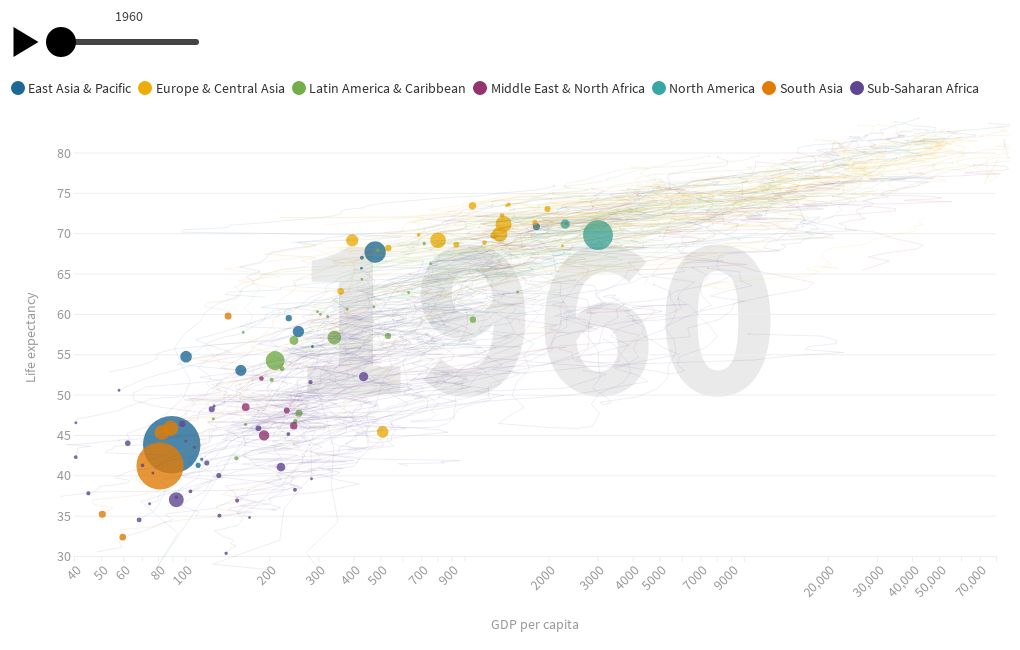
Image layouts
Three cards Ghost doesn't have. Each is one card, shown everywhere the post goes.
Small image and caption
A small photo on the left, its caption beside it at the bottom, one size step under your body text. Pick the photo from your Image Library and its caption comes along, or upload one and type the caption.
The card
 | Boo Radley, catching up on the morning edition before the afterlife beat gets going. Photo by the Toolbox. |
Image with text wrap
A photo on the left or right, at a third, two fifths or half of the column, with your own paragraphs flowing beside it and underneath, in email and on your site. You paste three things: the photo, a paragraph to replace with your text, and an end card that marks where the wrapping stops. The text stays ordinary Ghost paragraphs. Phones show the photo above the text, and so does Ghost's social web.
The card, with three paragraphs

The photo floats on the side you chose, and the paragraphs you write in the Ghost editor flow beside it.
When the text runs longer than the photo, it carries on underneath, the way a magazine sets a picture into a column.
The end card marks where the wrapping stops. Whatever comes after it starts on a fresh line, at full width.
Writer headshot
A photo beside a name, role and bio, with an optional link and a hairline border. Pick from Ghost staff fills it in from the writer's account; everything stays editable. Tick where it shows: email, your site, the social web. Save this card keeps it for next time, for everyone on the site.
The card
 | Boo Radley Covers the afterlife beat for the Toolbox: haunted newsletters, the ghost in your embed, and why the inbox is the hardest room to get into. Reach the desk any time. The sheet is just for show. |
Spotify
Paste a link to a track, album, playlist, artist, show, episode or audiobook, or Spotify's embed code. On your site: Spotify's player. In email: a bar with the cover, title, subtitle and a play button, in the colours Spotify uses for that release. Edit the words if you like. Ghost's social web gets the player.
In the inbox
 | Rites Of Passage (Expanded Edition) Indigo Girls |
|


Bandcamp
Paste a link to an album or a track, or Bandcamp's embed code. On your site and the social web: Bandcamp's player, small artwork, big artwork or slim. In email: a card in the player's own look — the cover, the title, a buy link, the artist and a play button that opens Bandcamp — in the background and link colours you set for the player. Nothing else to edit. An artist on their own domain? Paste the embed code from Bandcamp's Share / Embed dialog.
In the inbox


SoundCloud
Paste a link to a track or a set, a short link from the SoundCloud app, or SoundCloud's embed code. On your site and the social web: SoundCloud's player, Classic or Visual, in the accent colour you choose. In email: a card in the classic player's style — artwork, an orange play button, the artist and title, a waveform, the length and the play count — linked to SoundCloud or to your post. Private tracks aren't supported.
In the inbox
 |
|



Upload a PDF, or paste the address of one already online, up to 4 MB. You get one card: a picture of the first page linked to the file, and a download line with the size and page count. Tick Let readers page through it on your site and the card becomes a viewer there; email and the social web keep the picture and the link.
In the inbox
On your site, with the viewer on
YouTube
No card needed. Paste the video's link on its own line in the Ghost editor and Ghost's embed card works in email, on the social web, on your site and in Apple News. Paste the link, not the iframe code.
Pasting into Ghost
In the Ghost editor, paste on an empty line and the cards appear. Each card needs its own visibility, and the note under the Copy button spells it out: for example, the Spotify player Web on, Email off and the bar Web off, Email on.
From Chrome and other Chromium browsers the cards arrive with that visibility already set. From Firefox or Safari they arrive at Ghost's default, shown everywhere, and you set them by hand: click the card, open Visibility in its toolbar, and switch Web and Email to match the note. Check once after your first paste to see which your browser does. Leave the member segments at their defaults, so every reader who gets the post gets the card. The settings each card needs:
| Card | The embed | The email card |
|---|---|---|
| Web on, Email off | Web on, Email on | |
| Bluesky | Web on, Email off | Web on, Email on |
| Web on, Email off | Web off, Email on | |
| Datawrapper | Web on, Email off | Web off, Email on |
| Flourish | Web on, Email off | Web on, Email on |
| Small image and caption | One card at Ghost's default: Web on, Email on | |
| Image with text wrap | Start and end cards at Ghost's default: Web on, Email on | |
| Writer headshot | One card: Web and Email as you ticked them | |
| Spotify | Web on, Email off | Web off, Email on |
| Bandcamp | Web on, Email off | Web off, Email on |
| SoundCloud | Web on, Email off | Web off, Email on |
| One card at Ghost's default: Web on, Email on | ||
By default a card links to the post on Spotify, Instagram, Bluesky or LinkedIn, the album or track on Bandcamp, the track or set on SoundCloud, or to the chart's own page. A post on this site links it to one of your posts instead, right at the embed. For an email-only post keep the default: Ghost sends those links to the browser copy of the email, which has no embed.
What each reader ends up seeing, including in Apple News if you syndicate there:
| Card | On your site | Social web | Apple News | |
|---|---|---|---|---|
| The embed | The email card | The email card | Apple's own Instagram embed | |
| Bluesky | The embed | The email card | The email card | The card, rebuilt from the post |
| The embed | The embed | The card | The card, rebuilt from the post | |
| Datawrapper | The chart | The chart | The picture | The picture, linked to the chart |
| Flourish | The piece | The picture | The picture | The picture, linked to the piece |
| Small image and caption | The card | The card | The card | The card |
| Image with text wrap | Wrapped | Photo above the text | Wrapped; photo above the text on phones | Wrapped on iPad and Mac; photo above the text on iPhone |
| Writer headshot | The card, if ticked | The card, if ticked | The card, if ticked | The card, if Web or the social web is ticked |
| Spotify | The player | The player | The bar | The bar |
| Bandcamp | The player | The player | The card | The card |
| SoundCloud | The player | The player | The card | The card |
| The card, with the viewer if on | The card | The card | The first page as a picture, with a download line | |
| YouTube | Ghost's own embed card everywhere; Apple News plays it in its own player | |||
Contributor access
If you give a contributor an Email-Friendly Embeds grant (Site settings → Users), use lets them make, copy and save cards.